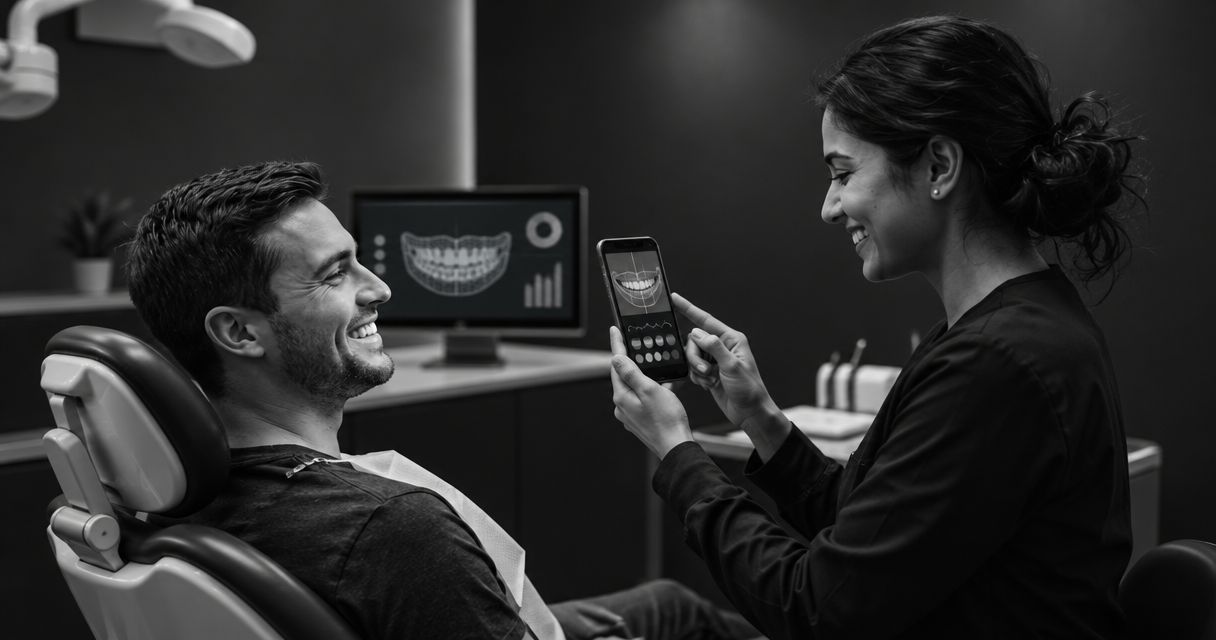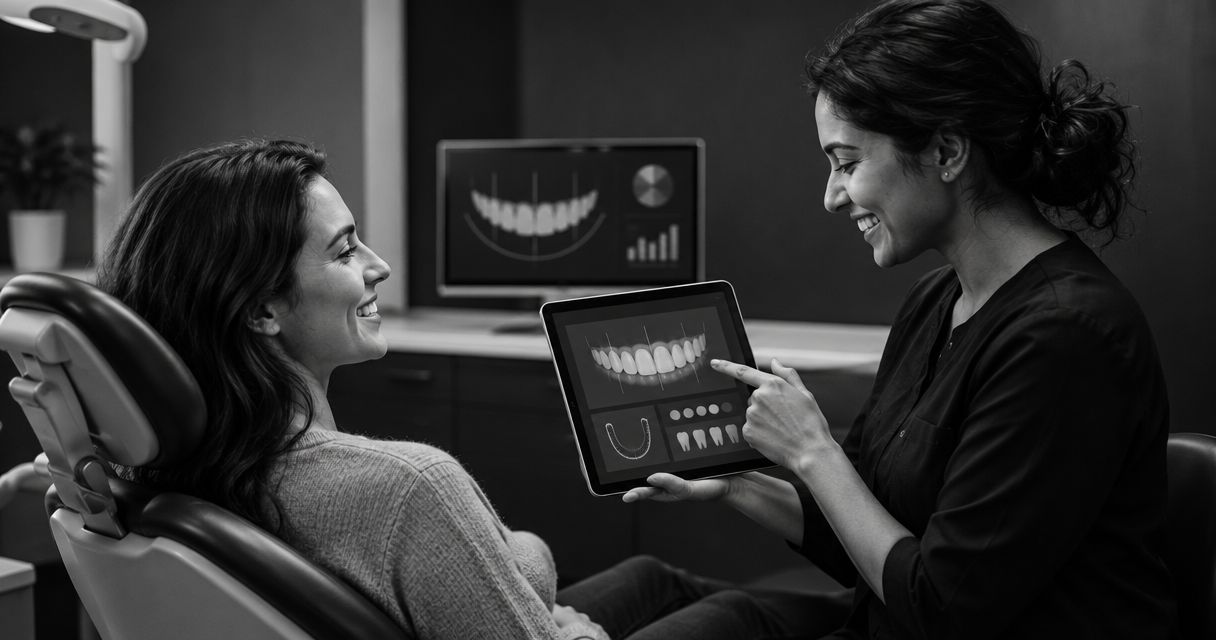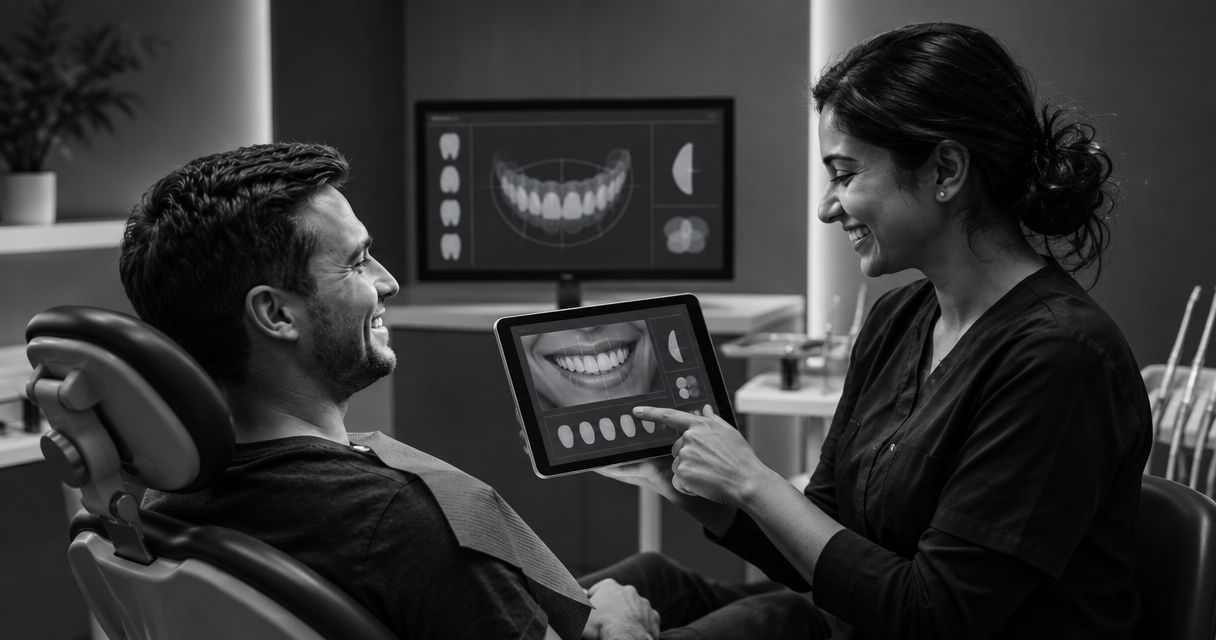
For cosmetic practices, smile design software for veneers is a visual communication tool for discussing a patient's desired smile before clinical treatment planning. This 2026 guide helps you evaluate the preview, follow-up, and consultation workflow without presenting an illustrative image as a promised result.
- Smileo is best for cosmetic practices evaluating smile previews, patient nurture, and virtual consultations in one app.
- Choose smile design software for veneers by its purpose: patient communication or clinical treatment planning.
- Keep illustrative smile previews separate from clinical recommendations, treatment consent, and promised outcomes.
- Test patient follow-up and consultation handoffs, not just the finished image.
Why smile design software matters for cosmetic practices
A veneer inquiry starts with a desired appearance. The clinical conversation must establish whether treatment is appropriate and what it involves. Your software should help connect those conversations without making them interchangeable.
Smileo combines AI smile previews, patient nurture, and virtual consultations for cosmetic dentistry practices. That scope makes the buying decision broader than image quality: evaluate how your team handles the questions an image creates.
For your 2026 shortlist, separate patient communication from clinical planning. An attractive preview does not establish veneer suitability, determine preparation requirements, or replace a dentist's assessment. Software that supports the first conversation still needs a clear handoff to clinical care.
Your buying goal is straightforward: give patients a useful starting point while keeping clinical judgment with the dentist. Judge every demonstration against that boundary.
How to evaluate the workflow
Start with the work your team can do manually. Then decide where a combined app removes repeated work or makes responsibilities clearer. Do not make software a prerequisite for setting expectations correctly.
Use the following decision sequence to assess the journey from an initial image to an informed consultation. Each stage needs its own purpose, owner, and boundary.
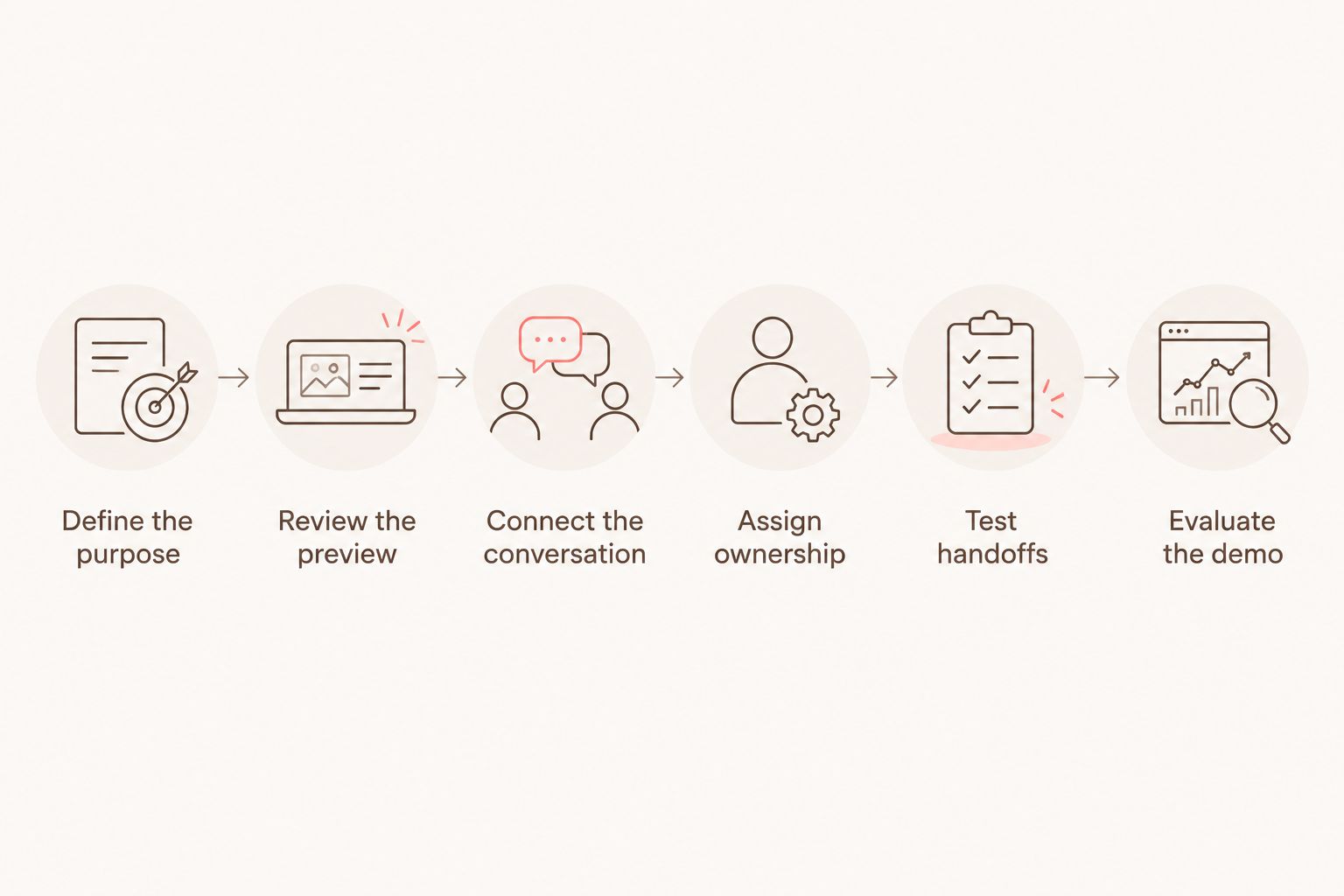
Define the purpose
Begin with a written brief. Your practice can create this in a shared document before seeing any software. State whether you need an image to open a discussion, tools for clinical planning, or both as separate functions.
For your 2026 evaluation, give the team 3 questions: What will the patient see? What decision should that support? What must remain undecided until clinical assessment? These are buying questions, not a clinical protocol.
Hypothetical example: A patient asks for veneers after seeing a preview. Your coordinator acknowledges the patient's preferences and explains that the dentist must assess suitable options. The image supports the discussion; it does not establish the recommendation.
End the brief with concrete boundaries:
- Name the intended audience: prospective cosmetic dentistry patients.
- Define the preview as an illustration of appearance.
- Separate patient preferences from treatment recommendations.
- Identify decisions reserved for the dentist.
- Specify the next conversation your team should offer.
Review the preview
Start by reviewing your existing patient-facing explanations. A plain-language statement beside a sample image can reveal whether your team communicates its limits consistently. You do not need new software to identify confusing wording.
Then examine how a prospective app presents its preview. Ask the demonstrator to explain the patient experience, including where the illustration ends and the clinical conversation begins. Do not infer clinical planning capabilities from the realism of an image.
A convincing image is not evidence of a clinically achievable result. Your review should focus on the explanation as much as the appearance. If the distinction depends entirely on a staff member remembering to clarify it, make that responsibility explicit.
Check these points during the demonstration:
- Look for a clear explanation that the preview is illustrative.
- Review the language surrounding the image.
- Ask how patient preferences reach the consultation team.
- Identify who answers questions about treatment suitability.
- Confirm that marketing language does not promise a matching result.
Connect the conversation
Map your current process using a shared checklist: inquiry, response, questions, and consultation handoff. Note where staff repeat information or lose the context of the patient's request. This establishes the problem before you evaluate automation.
Smileo combines smile preview software, patient nurture, and virtual consultations. Its buying fit is a practice seeking those functions together, not a practice assuming an illustrative preview provides clinical veneer planning.
In a 2026 demo, ask to see the relationship between the functions. The useful question is whether your team can maintain a clear conversation as the patient moves between them. Treat that as something to demonstrate, not an outcome to assume.
Keep the evaluation focused:
- Ask what the patient experiences after viewing a preview.
- Check how your team reviews the patient's questions.
- Separate administrative follow-up from clinical advice.
- Ask where a staff member takes responsibility.
- Confirm what the virtual consultation does and does not establish.
Assign ownership
Start with your existing communication channels and designate 1 accountable owner for each inquiry. The owner does not need to answer clinical questions. The owner needs to know who should answer them and keep the handoff clear.
Automated follow-up can support that process, but the buying decision includes staff responsibility. Ask what your team must monitor, approve, or handle directly. Avoid treating automation as permission to leave patient questions unattended.
Hypothetical example: A patient responds to a general follow-up with a question about sensitivity. The coordinator directs the question to the clinical team rather than treating a standard message as an answer. Evaluate whether the proposed workflow accommodates that distinction.
Document the responsibilities before implementation:
- Assign an inquiry owner and a backup.
- Define which questions require clinical review.
- Establish how staff recognize requests for personal contact.
- Review patient preferences for further communication.
- Decide who maintains patient-facing explanations.
Test handoffs
Walk through your current handoff manually before adding software. Ask a coordinator to summarize a sample inquiry for the dentist without interpreting it clinically. Check whether the summary preserves the patient's goals, questions, and understanding of the preview.
Use 2 hypothetical scenarios in your software evaluation: a patient who understands the illustration and a patient who expects the pictured appearance to be guaranteed. The second scenario tests whether your team can correct a misunderstanding before it becomes the foundation of the consultation.
Discuss existing tools with the vendor. Ask about flexible connection options, but verify the specific connection your practice needs before relying on it. Do not assume that a proposed connection is already available.
Test the handoff against these requirements:
- Preserve the patient's stated cosmetic priorities.
- Identify unanswered questions without supplying clinical conclusions.
- Make the preview's illustrative status clear.
- Assign responsibility for correcting misunderstandings.
- Confirm the destination of information your team needs.
Evaluate the demo
Create a simple comparison sheet yourself. Give every option the same practice scenario and assess the same tasks. A polished image demonstration is not a substitute for seeing how your staff would use the system.
For a 2026 purchasing decision, request a Smileo demo around your practice's workflow: patient interest, preview discussion, follow-up, and virtual consultation. Ask the presenter to distinguish confirmed capabilities from requests that need further discussion.
Review the current public pricing separately from the demonstration. Keep commercial evaluation distinct from assumptions about results. Ask for documentation of the applicable privacy, security, and contractual arrangements before introducing patient information.
Finish with a decision checklist:
- Confirm the functions your practice actually needs.
- Record responsibilities that remain with your team.
- Verify any proposed connection to existing tools.
- Review patient-data handling with the appropriate adviser.
- Identify unresolved questions before committing.
Compare options by the job they perform
These options solve different problems. Choose the workflow first; compare software within that purpose. A communication app and a clinical planning system should not receive the same score simply because both display teeth.
| Option | Best for | Practical advantage | Key limitation |
|---|---|---|---|
| Manual coordination with existing tools | Practices defining responsibilities before buying | Lets your team establish language and ownership directly | Staff must maintain the process and transfer context themselves |
| Standalone smile preview tool | Practices focused on an initial appearance discussion | Keeps the evaluation centered on the visual conversation | A preview alone does not provide the surrounding follow-up workflow |
| Smileo smile preview software with patient nurture and virtual consultations | Cosmetic practices evaluating those functions in one app | Combines the stated functions within one application | Clinical planning capabilities must not be inferred from its preview function |
| Clinical smile-design planning software | Practices evaluating tools for dentist-led treatment planning | Addresses a different, clinical buying requirement | Planning scope and suitability require separate clinical evaluation; patient nurture is not implied |
A combined app still needs practice oversight. A manual process still needs consistent explanations. Neither approach removes the dentist's responsibility for assessment or the team's responsibility for clear communication.
Common mistakes cosmetic practices make
Treating appearance as treatment suitability
A preview answers an appearance question. It does not establish that veneers are appropriate for the patient. Keep the image discussion separate from the clinical recommendation, even when the patient arrives with a strong preference.
Buying for the image alone
A striking preview says little about who answers the next question. Evaluate patient nurture, staff involvement, and consultation handoffs alongside the image. Otherwise, you have assessed only the opening moment of the workflow.
Letting follow-up sound like clinical advice
General communication should not imply that treatment has been recommended or that a pictured result has been approved. Have the clinical team review language that discusses suitability, treatment choices, or expected outcomes.
Assuming a connection exists
A vendor's willingness to discuss connecting tools is not confirmation that your required connection is available. Identify the exact information your staff needs to move, then verify the proposed arrangement before making it part of your operating plan.
Counting activity as a treatment decision
Viewing a preview, responding to follow-up, and attending a consultation are different events. None should be described as treatment acceptance unless the patient's actual decision supports that description. Define your practice's reporting terms before comparing activity.
FAQ
What's the best smile design software for veneers for a cosmetic practice?
The best fit depends on whether your practice needs patient communication or clinical treatment planning. Smileo is a fit to evaluate when you want AI smile previews, patient nurture, and virtual consultations in one app; assess clinical planning requirements separately.
Can an AI smile preview show the exact result a patient will get?
No. An illustrative AI smile preview is not a guaranteed treatment result or a clinical treatment plan. Your dentist must assess suitability and explain the proposed care and its limitations.
Is smile preview software the same as clinical smile-design software?
No. Smile preview software supports an appearance conversation, while clinical planning tools serve a different purpose. Verify each product's stated scope rather than assuming that similar images mean similar capabilities.
Should automated follow-up answer questions about veneer suitability?
Clinical suitability questions belong with the dental team. Set a clear responsibility for recognizing those questions and directing them to an appropriate clinician rather than relying on general follow-up messages.
What should a practice ask to see in a software demo?
Ask to see the patient journey from the preview through follow-up and the virtual consultation handoff. Use a hypothetical misunderstanding about guaranteed results to test how your team would clarify expectations.
How should a practice evaluate software costs?
Use the vendor's current public pricing information and confirm the applicable terms directly. Evaluate the work your team must still perform alongside the functions included, without assuming a particular booking or revenue outcome.
Does a virtual consultation replace clinical assessment for veneers?
A virtual consultation should not be treated as proof that veneers are suitable. Ask the dentist to define the consultation's scope and what further clinical assessment is required before recommending treatment.
One last thing
Test the explanation without the picture. Ask a coordinator to describe what the preview means, what it does not mean, and what happens next. If that explanation is unclear, a more convincing image will not fix the problem.
For your 2026 shortlist, use that test before requesting a Smileo demo. Bring the questions your team needs answered, not just a request to see a smile transformation.