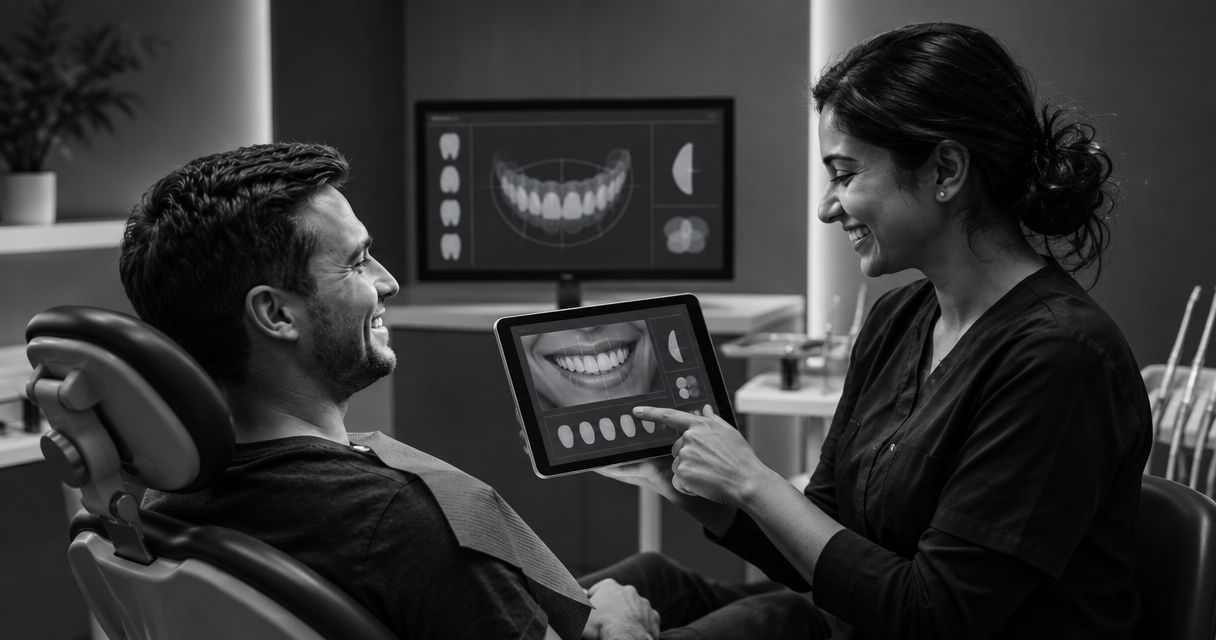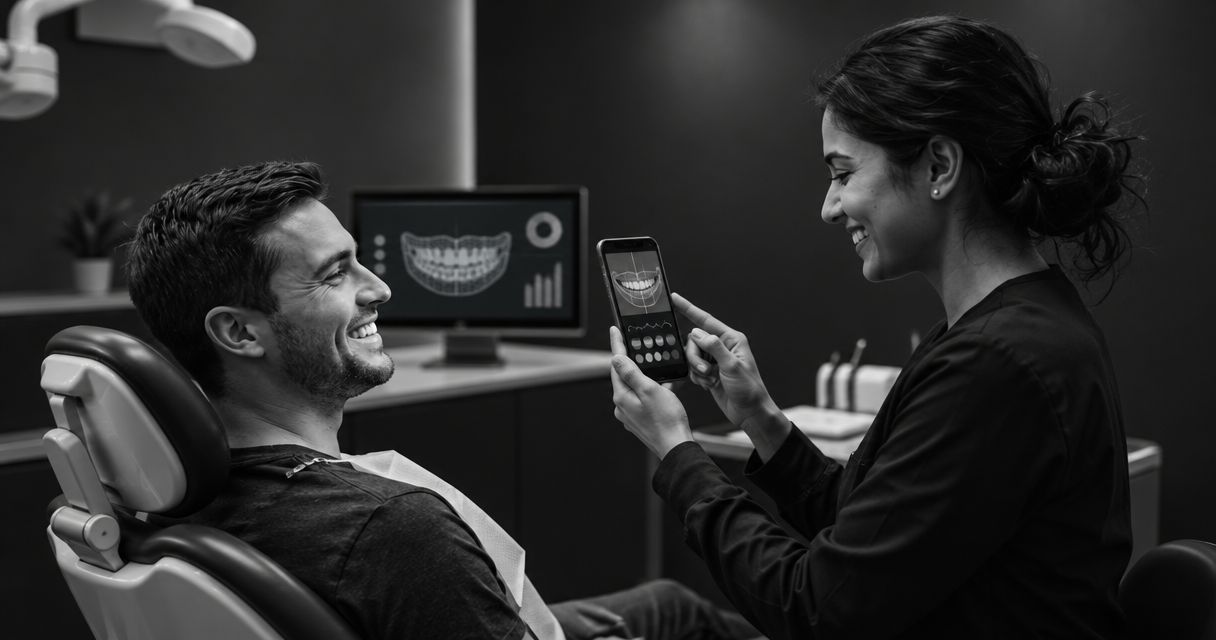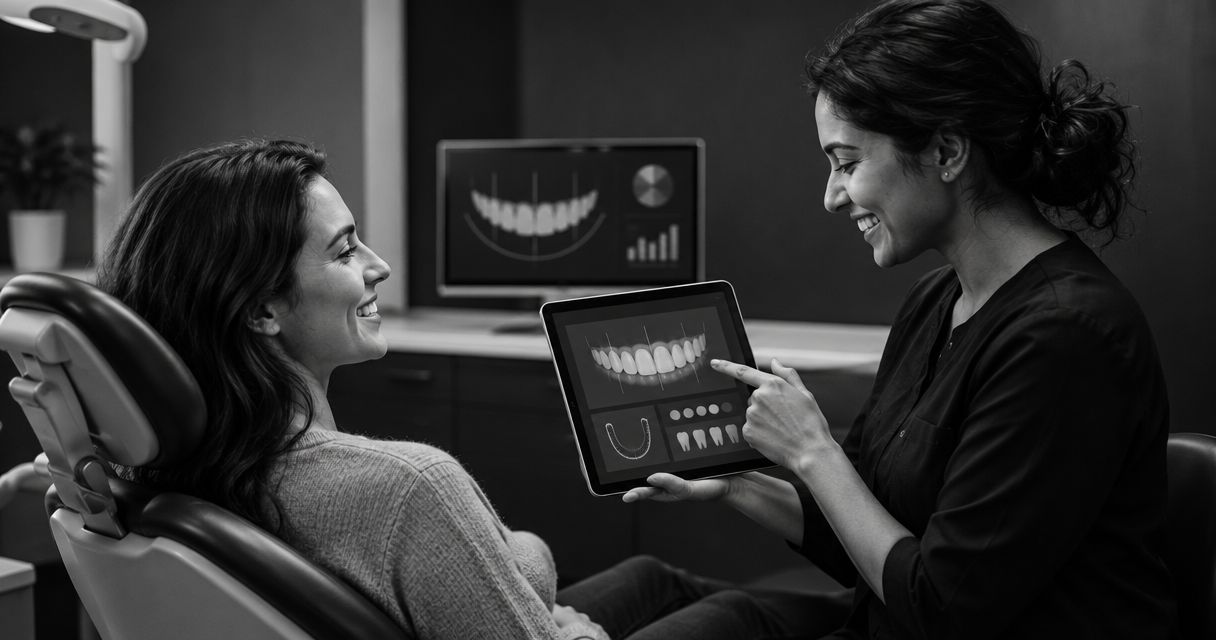
Smile design software for small practices is worth it when it fills a specific gap in patient communication and your team can manage the work it creates. Choose an illustrative preview tool to support cosmetic conversations—not to replace clinical planning—and evaluate follow-up and virtual consultations alongside the image, without assuming the software will increase bookings or case acceptance.
- Choose smile design software for small practices around a defined workflow gap, not image quality alone.
- Smileo fits cosmetic practices seeking AI smile previews, patient nurture, and virtual consultations in one app.
- An illustrative smile preview is not a clinical treatment plan or a guaranteed result.
- Assign responsibility for patient questions and clinical review before introducing automated follow-up.
Is smile design software worth it for a small practice?
Yes—when the software addresses a problem you can name and gives your team a workable way to respond. A convincing preview does not settle whether the patient is suitable for treatment, understands the limitations, or knows what happens next.
For your 2026 evaluation, separate 3 capabilities: creating a preview, maintaining communication, and conducting a virtual consultation. Decide which capability your practice needs before comparing features. Smileo combines AI smile previews, patient nurture, and virtual consultations for cosmetic dentistry practices.
The table below compares buying approaches, not claims about individual vendors. Use it to define the job before choosing an app.
| Buying approach | Best for | Main advantage | Main limitation |
|---|---|---|---|
| Preview-focused workflow | Practices addressing an initial visualization gap | Keeps the purchase focused on helping patients discuss appearance | Does not, by itself, resolve follow-up or consultation responsibilities |
| Connected preview and communication workflow | Practices evaluating the journey from interest to consultation | Brings the image and the next conversation into the same buying decision | Requires decisions about messages, handoffs, and staff ownership |
| Clinical planning workflow | Practices evaluating tools for treatment planning | Focuses the purchase on clinical requirements | Answers a different need from an illustrative patient-facing preview |
Buy for the missing job, not the longest feature list. If your current process already handles a task well, require a clear reason to change it.
Why this matters
A small practice needs software that fits the people available to use it. A new patient-facing tool also creates responsibilities: reviewing questions, explaining limitations, and deciding when a clinician must become involved.
Separate 2 decisions in your 2026 review: whether you need better patient communication and whether you need different clinical planning tools. They are not interchangeable. A purchase aimed at cosmetic interest should not quietly become a substitute for clinical judgment.
Hypothetical example: A practice already answers cosmetic inquiries consistently but struggles to explain what a patient means by a different smile. Its evaluation should focus on visualization and expectation-setting. Adding another communication workflow needs a separate justification.
What job should the software do first?
Start with the point where your current process becomes unclear. Ask the team to describe an actual task, not a broad ambition such as growing the practice.
Useful problem statements include:
- Patients struggle to explain the appearance they want to discuss.
- Staff members are unsure who should answer cosmetic inquiries.
- Patients receive information but lack a clear next step.
- Virtual consultation requests need a defined owner.
Treat these as questions to investigate, not assumptions about your practice. Check which problem exists before buying software to solve it.
Then write a short acceptance statement: the software must help a named team member complete a named task. That gives your demo a purpose. It also gives you permission to reject impressive features that do not address the problem.
Preview or clinical planning: make the distinction explicit
An AI smile preview is illustrative. It supports a conversation about appearance; it is not a diagnosis, treatment prescription, or assurance that a particular result is achievable.
Your practice should make that distinction clear wherever patients encounter the preview. Ask to see the patient-facing explanation during the demonstration rather than relying on an account representative's description.
Clinical planning is a separate buying decision. If that is your requirement, define the clinical functions your clinicians need and assess those functions directly. Do not infer clinical suitability from the realism of an image.
The strongest preview is still the wrong purchase if you need a clinical planning tool. Conversely, do not expand a communication-software purchase into a clinical system replacement without a specific reason.
Why the value varies between small practices
The value of smile design software depends on the work you need it to support. Use these factors to explain differences between your practice and another owner's recommendation:
- Primary purpose. Decide whether the purchase supports visualization, patient communication, virtual consultations, or clinical planning.
- Existing follow-up. Review what your team already handles before adding another process.
- Staff ownership. Name the person responsible for patient questions and the person responsible for clinical review.
- Patient expectations. Check how the preview's limitations are explained before a patient interprets it as an outcome.
- Existing tools. Ask how a proposed connection would work with your current systems; do not assume compatibility.
- Public terms. Review the current offer against the capabilities your practice actually needs.
Use these factors in your 2026 shortlist. A recommendation from another practice is context, not proof that the same purchase fits yours.
Evaluate the workflow beyond the image
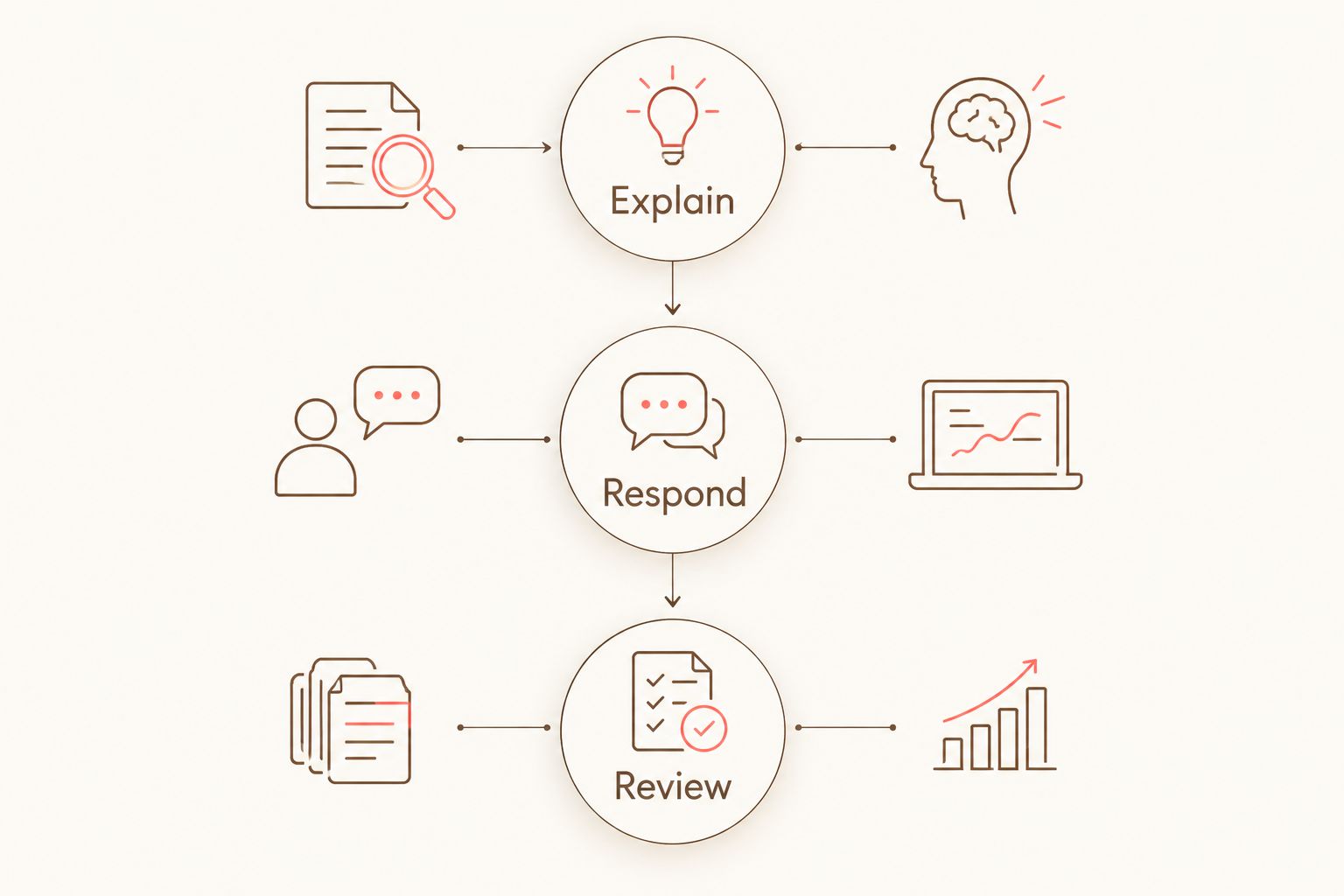
Follow the patient-facing journey through 3 responsibilities: explain, respond, and review. These are practice responsibilities, not a software configuration recipe. The app should support them without obscuring who is accountable.
Explain
Decide who explains what the preview represents. Your team needs consistent language that separates an illustrative image from a clinical recommendation.
Ask the vendor to show the explanation from the patient's perspective. A limitation mentioned only during a sales demonstration does not answer how your patients will understand it.
Respond
Decide who handles patient questions after the initial interaction. Automated patient follow-up does not remove the need for a person to answer questions that require judgment.
Ask how your team would recognize a conversation needing attention. Keep the evaluation focused on staff responsibilities and patient experience, rather than the vendor's internal automation methods.
Review
Decide when a clinician must assess suitability and discuss treatment. A virtual consultation needs a defined purpose and a clear explanation of what remains unresolved afterward.
Ask how the team would explain the next step when the available information is insufficient. Do not make the image carry that clinical decision.
What should you test in a software demo?
Bring 5 demo questions to your 2026 evaluation. Ask for demonstrations of the relevant experience, not assurances that a feature exists.
- What does the patient understand? Look at the preview and its explanation together. Ask what prevents an illustrative image from being presented as a promised result.
- What does the team need to do? Identify the responsibilities that remain with staff. Ask who would handle a question that cannot receive a routine response.
- How does a consultation begin? Follow the proposed experience from interest to the consultation request. Ask what information the team needs before proceeding.
- How would existing tools connect? Integrations should be discussed flexibly, around your actual setup. Request confirmation of the specific connection you need; do not treat a proposed connection as available.
- What needs further verification? Request current documentation for patient-data handling and any compliance claims. Keep unanswered requirements open rather than filling the gaps with assumptions.
A useful demo makes the remaining responsibilities visible. If the image looks convincing but the handoff is unclear, the evaluation is unfinished.
Where Smileo fits—and what to verify
Smileo is best suited to cosmetic dental practices seeking AI smile previews, patient nurture, and virtual consultations in one app. That combination matches a practice-growth software evaluation rather than a search for a standalone clinical planning tool.
The attraction is the scope: you can evaluate visualization, follow-up, and consultation together. The limitation is equally important. Those capabilities do not establish treatment suitability, guarantee bookings, or eliminate staff responsibilities.
Use a Smileo demo to examine your actual buying questions. Ask how the proposed experience fits your team, what remains manual, and which connections need confirmation. Review the current public pricing rather than relying on figures or terms repeated from a private conversation.
Evaluate your practice workflow
Review Smileo's public capabilities before requesting a demo focused on your team's needs.
When should a small practice wait?
Wait when you cannot name the problem or assign responsibility for the next conversation. Software selection should follow that decision, not substitute for it.
Other reasons to pause include an unresolved clinical-planning requirement, uncertainty about patient-data handling, or an essential connection that has not been confirmed. These are evaluation gaps. Treat them as conditions to resolve before committing.
Waiting does not mean rejecting smile previews. It means defining what the purchase must accomplish first. That is a stronger buying position than trying to justify an app after introducing it to the team.
Can a smile preview replace a clinical treatment plan?
No. An illustrative smile preview is not a clinical treatment plan. Keep clinical suitability and treatment recommendations with the clinician, and assess planning software against separate clinical requirements.
This distinction belongs in your patient communication as well as your buying checklist. Do not leave patients to infer it from a disclaimer they have not been shown.
Is an all-in-one app better than a preview-only tool?
An all-in-one app fits a broader communication need; a preview-focused purchase fits a narrower visualization need. Neither approach wins by feature count alone.
Choose according to the work you need to change. If follow-up and consultations are part of the problem, evaluate them together. If they are not, require a clear reason to replace an established process.
How do you decide whether the purchase was worthwhile?
Define success before implementation. Choose observations tied to the original problem, such as whether staff know who responds or whether patients receive a clear explanation of the preview.
For your 2026 review, compare the new process with the one you actually used before. Do not attribute a change in bookings or case acceptance to the software without evidence supporting that conclusion.
FAQ
Is smile design software worth it for a small dental practice?
Smile design software is worth evaluating when it solves a defined patient-communication problem and your team can manage the next steps. Do not assume a preview alone will improve bookings or case acceptance.
What's the difference between a smile preview and a treatment plan?
A smile preview is an illustrative image, while a clinical treatment plan addresses treatment decisions. A preview does not establish suitability or guarantee an achievable result.
What's the best smile design software for small practices?
The best fit depends on whether your practice needs visualization, patient follow-up, virtual consultations, or clinical planning. Compare those requirements before comparing feature lists.
Does automated patient follow-up replace my front desk team?
Automated patient follow-up does not remove your practice's responsibility to answer questions and manage clinical handoffs. Assign an owner for conversations that require human judgment.
Should I replace my existing practice software?
Do not replace existing software without identifying the task that needs to change. Ask vendors to confirm specific connections and keep unverified compatibility claims out of your decision.
What should I ask about patient information during a demo?
Ask how patient information is collected, accessed, and handled, and request current documentation supporting relevant compliance claims. Resolve those questions before introducing the workflow to patients.
Can I judge the software by how realistic the preview looks?
Image realism alone is not enough to judge the software. Evaluate the explanation patients receive, the responsibilities left with staff, and the distinction between illustration and clinical planning.
One last thing
Ask the demonstrator to show what happens when a patient asks a question the software should not answer. That moment tests the handoff rather than the image.
A good buying decision makes the boundary clear: software supports the conversation; your practice owns clinical judgment. Keep that boundary visible when you choose, introduce, and review the app.