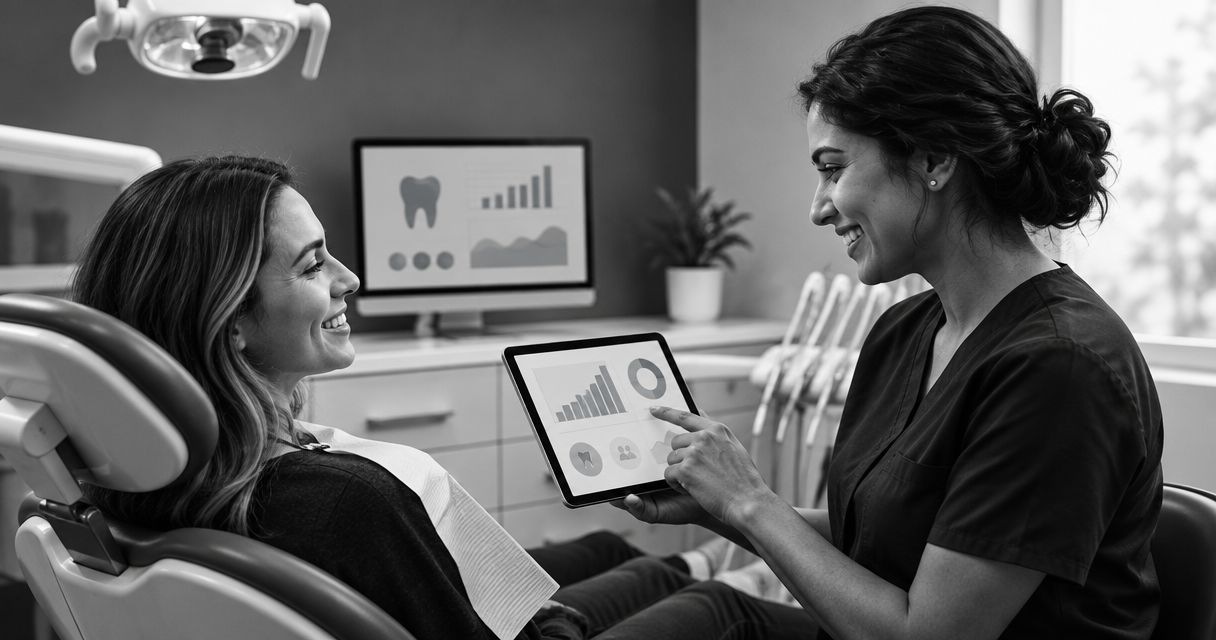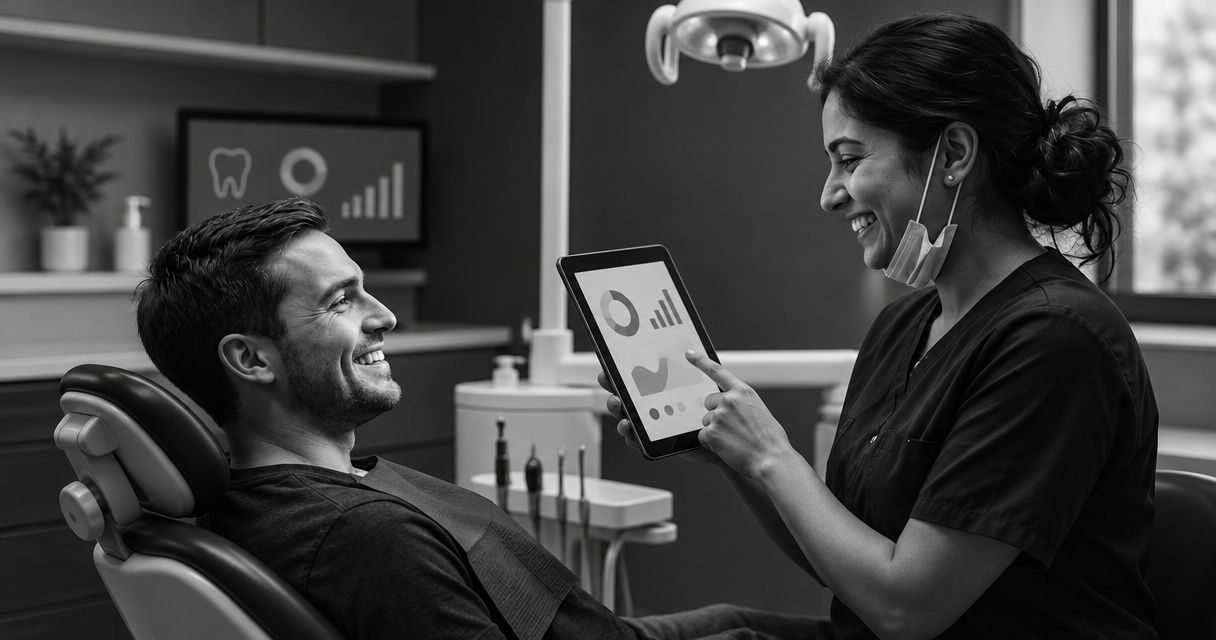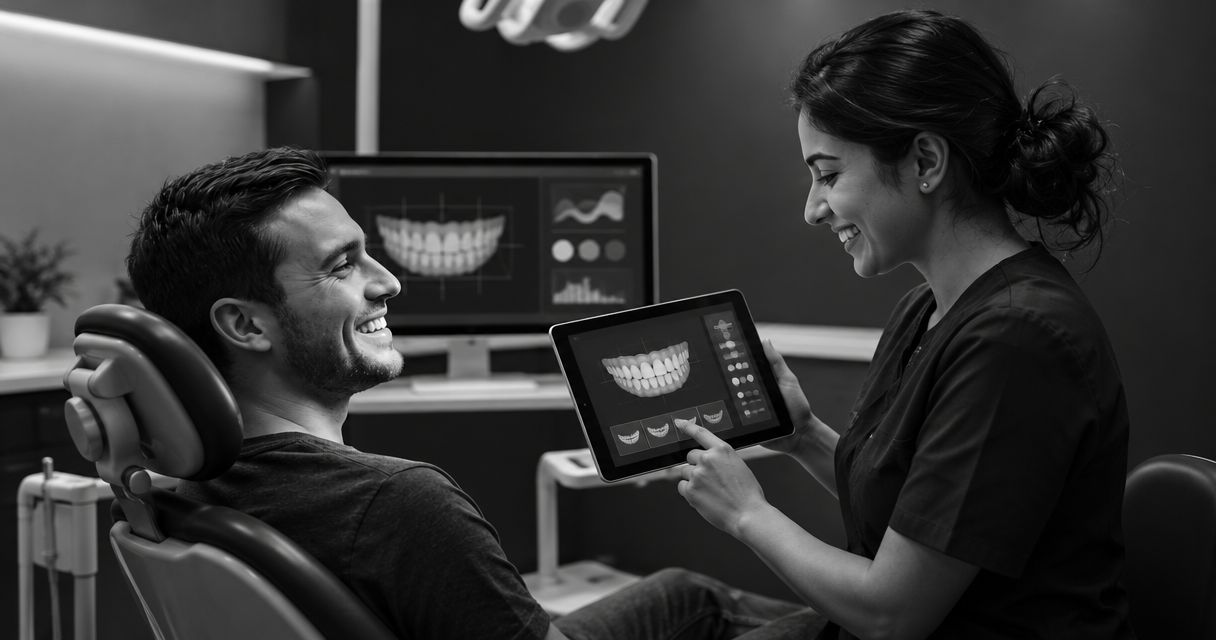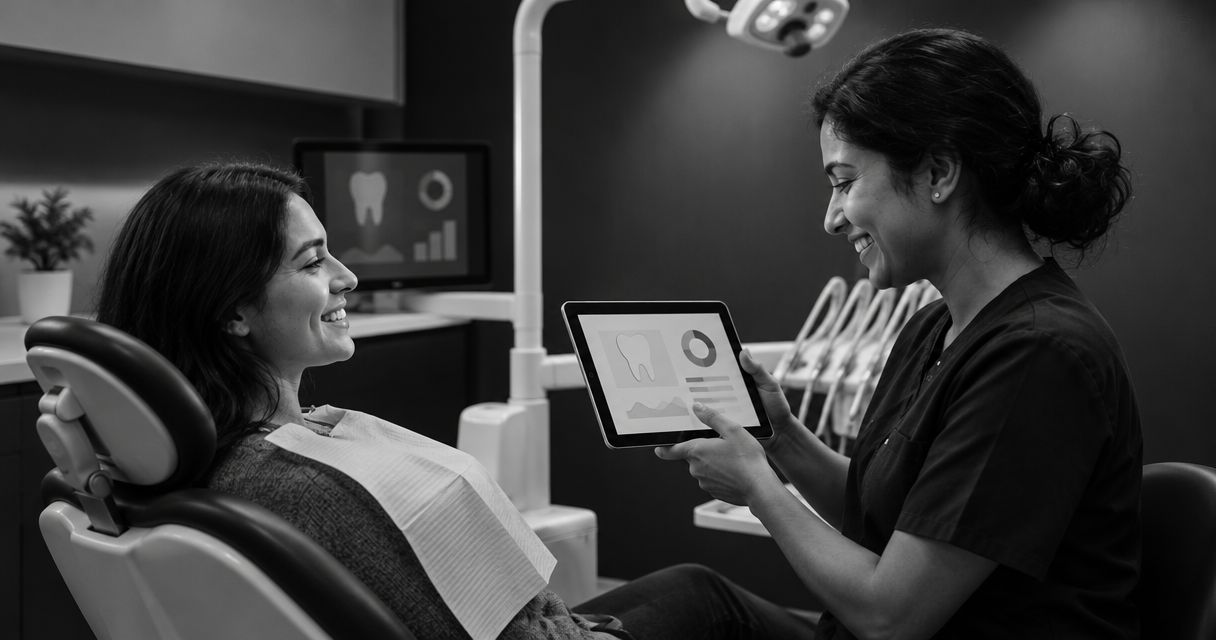
Choose dental patient communication software by checking whether it supports your cosmetic practice’s actual patient journey: an initial inquiry, an informed conversation, and a clear next step. Look beyond message sending to patient follow-up, virtual consultations, staff responsibilities, and privacy safeguards. An illustrative smile preview can support that conversation, but it is not a clinical treatment plan or a promised result.
- Choose dental patient communication software around your cosmetic practice’s workflow, not a feature count.
- Smileo combines AI smile previews, patient nurture, and virtual consultations for cosmetic dentistry practices.
- Separate illustrative smile previews from clinical treatment planning throughout the patient journey.
- Ask vendors to demonstrate staff handoffs, follow-up controls, privacy safeguards, and integration scope.
How do you choose dental patient communication software?
Start with the work your team needs to complete. Then evaluate the software. A reminder, an unanswered cosmetic inquiry, and a virtual consultation require different information and different staff decisions.
For your 2026 shortlist, compare these approaches against the same patient scenario. The table describes buying priorities, not verified capabilities of any particular vendor.
| Approach to evaluate | Best for | What to demonstrate | Trade-off to examine |
|---|---|---|---|
| Communication-focused software | Practices prioritizing patient messaging | Incoming questions, staff replies, and conversation ownership | Messaging alone does not establish a cosmetic consultation workflow |
| Separate applications | Practices evaluating each function independently | Movement between preview, follow-up, and consultation tools | Your team must assess handoffs across applications |
| Combined cosmetic practice software | Practices evaluating the patient journey together | Preview, patient nurture, and virtual consultation in one app | A combined feature list still needs a workflow demonstration |
Smileo combines the third approach’s core functions: AI smile previews, patient nurture, and virtual consultations. Smileo is a fit for cosmetic dental practices evaluating those three functions together. Assess that fit through a demonstration, not an assumption that every existing practice task belongs in the same app.
Why this matters
Your buying decision affects more than how a message reaches a patient. It determines who handles the reply, what the patient understands, and when a clinical question reaches the right person.
A cosmetic inquiry can involve expectations, suitability questions, and uncertainty about the next appointment. Software selection should account for those conversations without treating a preview as an assessment or an automated message as clinical advice.
Keep the distinction clear: communication software supports the process. Your practice remains responsible for clinical judgment and patient-facing explanations.
Define the job before you book a demo
Write a short buying brief before reviewing features. Name the problem, the staff member responsible, and the action that should follow. Avoid goals such as improving engagement unless you can explain what staff or patients would do differently.
Use these 3 workflows as your starting scope:
- New inquiry. A prospective patient expresses interest in cosmetic dentistry. Decide what information your team needs before continuing the conversation.
- Patient follow-up. Someone has shown interest but has not agreed to the next step. Decide who oversees follow-up and who handles a reply.
- Virtual consultation. A patient needs a conversation about their interests and the practice’s process. Decide what requires clinician involvement or an in-person assessment.
Do not ask a vendor to demonstrate everything at once. Follow one inquiry through the proposed workflow. Then repeat the exercise for an existing patient whose question needs a human response.
Hypothetical example: A patient asks whether a preview means a particular treatment will work for them. Your evaluation should establish how staff recognize that clinical question, stop treating it as a routine inquiry, and direct it appropriately. Do not assume the software makes that decision.
Compare the functions that matter to cosmetic dentistry
Smile previews: explain their purpose and limits
An AI smile preview is illustrative. It does not establish treatment suitability, prescribe a procedure, or guarantee an outcome. Ask how the patient-facing experience communicates those limits.
The business use is a conversation about what interests the patient. The limitation is equally important: an image is not evidence that a result is clinically achievable for that person.
Ask the vendor to show what a patient sees before and after the preview. Your clinical team should review the language used to explain it. A visually persuasive experience still needs an accurate explanation.
Patient nurture: inspect the response, not just the send
Automated patient follow-up can address a defined communication task. The buying question is what happens when the patient responds, asks to stop, or raises something outside that task.
Request a demonstration of the controls available to staff. Ask who reviews message content, how your practice oversees automated communication, and how an individual conversation returns to a person.
Avoid choosing a platform solely because it offers more automation. The right automation has a clear purpose and a responsible owner. Your team should know when a message is appropriate and when further communication requires judgment.
Virtual consultations: define the boundary
A virtual consultation gives your practice another setting for a patient conversation. Decide what your team intends to cover there and what requires a different appointment or assessment.
Ask the vendor to distinguish the available consultation functions from your practice’s clinical process. Do not assume that a virtual conversation replaces an examination or provides everything needed for treatment planning.
The useful demonstration follows the whole interaction: preparation, participation, staff follow-through, and the next step. A call screen alone does not answer those workflow questions.
Assign responsibility before adding automation
Use 4 responsibilities to structure your 2026 evaluation. These are practice decisions, not claims about a vendor’s settings or internal methods.
- Inquiry ownership: Who reviews a new inquiry and decides what happens next?
- Message oversight: Who approves patient-facing language and supervises automated communication?
- Clinical escalation: Who receives questions about suitability, risks, or treatment expectations?
- Next-step ownership: Who confirms the agreed action and makes sure the patient understands it?
A single person can hold more than one responsibility. The important point is to assign the work deliberately rather than leaving it between roles.
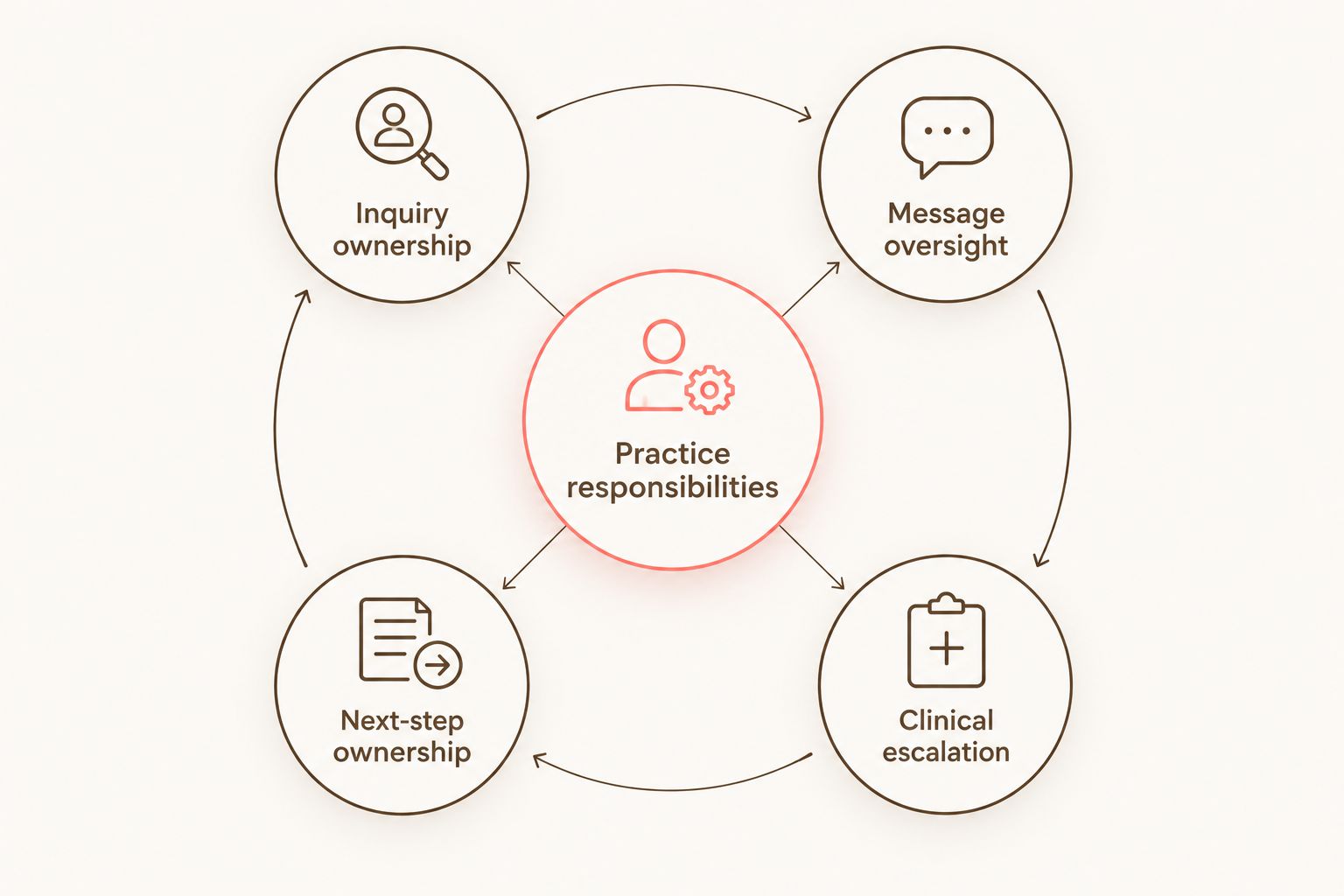
Bring the people who would own those responsibilities into the demonstration. Each person should describe what they need to see, what they need to decide, and what they would do outside the software.
Why software fit varies between practices
The same feature list can answer different needs. Use these factors to explain why an option belongs on your shortlist rather than relying on a broad label such as all-in-one.
- Buying scope. Decide whether you are evaluating communication alone or previews, patient nurture, and virtual consultations together.
- Staff responsibilities. Identify which roles will use the software and who supervises the process.
- Clinical boundaries. Define which conversations staff can handle and which need clinician review.
- Existing tools. Document the connections your workflow requires before asking about integrations.
- Patient-facing explanations. Review how previews, automated messages, and consultations are described.
- Privacy requirements. Establish what your practice needs to verify before sharing patient information.
Rank these factors before the demo. Otherwise, an appealing feature can distract from a required task that the demonstration never addresses.
What should you verify about privacy and integrations?
Treat privacy and integration claims as questions that need specific answers. A general reassurance does not explain how your practice would use the product responsibly.
For your 2026 review, request the vendor’s current security and privacy documentation. Ask how its contractual terms, access controls, and handling of patient information apply to your intended workflow. Discuss HIPAA-related responsibilities and whether a business associate agreement is appropriate with your practice’s qualified advisers.
For integrations, name the existing tool and the exact task you need to connect. Ask whether that connection is currently supported, what information it covers, and what still requires staff action. Flexible integration options are a discussion point, not a promise of universal compatibility.
Use hypothetical information during an early demonstration. Review the appropriate safeguards and agreements before introducing real patient information into an evaluation.
What should you ask during a software demo?
Ask for a workflow demonstration, not a tour of menus. Prepare one hypothetical scenario and keep it consistent across the options you evaluate.
Use these requests to make the discussion practical:
- Show how staff identify who owns a new inquiry.
- Show the patient-facing explanation of an illustrative smile preview.
- Explain how staff oversee patient follow-up and handle replies.
- Show what happens when a patient asks a clinical question.
- Explain the practice’s role before and after a virtual consultation.
- Identify which requested connections are confirmed and which need further assessment.
- Separate demonstrated capabilities from items that need written clarification.
A useful answer names a capability, a limitation, and the practice’s responsibility. Do not treat an unanswered question as a confirmed feature.
When booking a Smileo demo, ask to see AI smile previews, patient nurture, and virtual consultations in the context of your buying brief. Keep the discussion focused on those stated capabilities and the work your team needs to complete.
Evaluate your practice workflow
Use your buying checklist to discuss previews, patient nurture, and virtual consultations.
How should you compare commercial terms?
Use the current pricing page as your starting point, then request clarification on the scope you are evaluating. Do not build a buying decision around figures or terms copied from an old presentation.
Your 2026 comparison should identify what the proposed agreement covers, what your practice must provide, and which questions remain unresolved. Ask about onboarding responsibilities, support arrangements, data handling, and exit requirements without assuming any particular policy exists.
Keep commercial review separate from workflow approval. A suitable workflow does not answer contractual questions, and acceptable terms do not prove that staff can complete the required tasks.
Should you choose one app or separate tools?
Choose one app when evaluating the connected experience is central to your buying brief. Evaluate separate tools when your priority is assessing each function independently. Neither structure proves fit by itself.
A combined app deserves scrutiny at the handoffs between functions. Separate tools deserve scrutiny at the handoffs between applications. In both cases, ask the same question: what must a staff member do next?
Do not confuse fewer applications with fewer responsibilities. Your practice still needs ownership of patient communication, clinical questions, and follow-through.
FAQ
What is the best dental patient communication software for a cosmetic practice?
The best fit is software that supports your defined patient journey and staff responsibilities. Compare patient follow-up, virtual consultations, preview boundaries, privacy safeguards, and required connections through a demonstration.
Does Smileo combine smile previews and patient follow-up?
Smileo combines AI smile previews, patient nurture, and virtual consultations in an app built for cosmetic dentistry practices. Ask for a demonstration of how those capabilities fit your practice’s workflow.
Can an AI smile preview replace a treatment plan?
An AI smile preview cannot replace a clinical treatment plan. It is an illustration, not a diagnosis, suitability assessment, or guaranteed treatment result.
Should dental patient communication software replace our existing tools?
Replacement should follow a task-by-task evaluation, not an assumption. Identify which existing functions you need to retain and ask vendors to confirm the scope of any proposed connection or replacement.
What should our practice check before using automated patient follow-up?
Check message oversight, responsibility for replies, patient communication preferences, and clinical escalation. Assign those responsibilities before approving the workflow.
Does dental communication software automatically make a practice HIPAA compliant?
Software alone does not establish a practice’s HIPAA compliance. Review the intended use, vendor documentation, applicable agreements, and practice responsibilities with qualified advisers.
How should we compare software pricing without using outdated figures?
Use the vendor’s current public pricing information and clarify the proposed scope directly. Keep written commercial terms separate from assumptions made during a demonstration.
One last thing
The most revealing demo moment is a patient asking a question that automation should not answer. Use that moment to test ownership, boundaries, and the handoff to your clinical team.
For your 2026 decision, document what was demonstrated, what needs clarification, and who will approve each unresolved point. Buy against a defined workflow, not a reassuring presentation.